[ Launch & Rescue ]
From Rejected to Ready for Distribution.
AI builders get your app as far as the upload. App Review, native builds and the security holes AI leaves behind are where they stop. That last mile is all we do.
Roviq takes apps built with Lovable, Rork, Bolt, Replit, FlutterFlow or Cursor from “works in the preview” to live on the App Store. For founders without an iOS engineer. Fixed prices: rejection fix $490, App Store launch $1,490, security audit $1,900, rescue from $6,000. Unlike a wrapper service, we fix the code, write the listing and stay on it through review, in your repo and your Apple account.
“The usefulness of your app is limited because it does not sufficiently differ from a mobile browsing experience.”
01 — Services
Fixed prices. You know the number before we start.
Start with whatever you’re stuck on. Most projects begin as a rejection fix or an audit and grow from there.
01 — Rejection Fix
flat · Starts within 1 business day
Send us the Resolution Center message. We find the real cause, fix the build or the listing, write the reply to App Review and resubmit.
- Diagnosis of the exact guideline and what triggered it
- Code, config or metadata fixes in your repo
- Reply to App Review drafted and sent
- Resubmission, and we stay on that guideline until it clears
02 — App Store Launch
flat · Most apps submitted in 5 business days
Your Lovable, Rork, Bolt, Replit or FlutterFlow project, taken from “works in the preview” to live on the App Store.
- Native build, signing, certificates and provisioning
- App Store Connect listing, privacy labels, age rating
- Screenshots that pass 2.3.3, review notes, demo account
- Pre-submission review against the guidelines that sink AI-built apps
- Submission plus any first-round rejections, included
03 — AI App Security Audit
flat · Written report in 5 business days
A senior engineer reads the code your AI wrote. Exposed keys, open database rules, broken auth and the rest, ranked by what to fix first.
- Secrets in client bundles, repos and build output
- Supabase RLS / Firebase rules and API authorization
- Auth, session and payment-webhook review
- Prioritized fix list with code-level notes
- Fee credited in full if you book the rescue
04 — Vibe-Code Rescue
scoped · Typically 2–4 weeks
The app got 80% there and stalled. We take over the codebase, fix what the AI broke and ship the version you can put customers on.
- Starts from the audit, so the scope is written down first
- Works in your repo and your accounts. You own everything.
- Native rebuild of critical screens where a wrapper won’t pass
- Handover notes so your next AI session doesn’t undo it
02 — Where the builders stop
Every AI builder gets you to the upload. None of them get you approved.
What each tool actually does for an iPhone app, as of this year.
01
Lovable
Publishes to the web only. Getting it into the App Store takes a wrapper or a native rebuild, and a bare wrapper is exactly what 4.2 rejects.
02
Rork
Real React Native, and Publish uploads it for you. The listing, privacy answers, demo account and review are still yours.
03
Bolt
Writes Expo code, but it runs in the browser and can’t run the iOS build. You download the project and build it somewhere else.
04
Replit
Expo Launch signs and uploads the build. It doesn’t hold your Apple account, write the listing or pass review.
05
FlutterFlow
One-click deploy puts the build in App Store Connect. Crashes on launch from missing Firebase config are the classic rejection.
03 — What gets AI-built apps rejected
The nine guidelines behind most of the rejections we see.
Each one has a full guide: what Apple means, why AI-built apps trip it, and the fix.
| Guideline | What it means | The usual AI-builder cause |
|---|---|---|
| 4.3Design – Spam | Apple thinks your app is a duplicate: of your own app, or of a crowded category. | Template UIs, re-submitting under a new bundle ID, dating/wallpaper/timer clones. |
| 4.2Minimum Functionality | The app looks like a repackaged website, not an app. | Lovable or other web apps wrapped in Capacitor or a webview with nothing native. |
| 2.1App Completeness | The reviewer hit a crash, a dead backend, placeholder content or couldn’t sign in. | Missing production env vars, sleeping free-tier backends, no demo account. |
| 5.1.1Data Collection and Storage | Privacy policy, permissions, login walls or missing account deletion. | Auth scaffolds with no delete-account flow and generic permission strings. |
| 5.1.2Data Use and Sharing (incl. third-party AI) | You send user data to OpenAI, Anthropic or another service without saying so and asking first. | Chat and “AI coach” features that post user content straight to a model API. |
| 3.1.1In-App Purchase | You unlock digital features with Stripe or another payment method instead of IAP. | Web-app templates that wire Stripe Checkout for subscriptions. |
| 4.8Login Services | You offer Google (or another social) sign-in without a privacy-focused equivalent. | Supabase/Firebase auth templates with “Continue with Google” only. |
| 2.3Accurate Metadata | Screenshots, name, subtitle or description don’t match what the app does. | Mock-up screenshots, splash-screen screenshots, keyword-stuffed names. |
| 1.5Developer Information | The support URL is broken, empty or has no way to contact you. | Support URL pointing at a preview link or a site with no contact method. |
04 — How it works
Four steps, no retainer.
Send it over
Paste the rejection, or tell us what you built and where it’s stuck. A repo link or export helps but isn’t required to get a quote.
Fixed quote
Within one business day you get the diagnosis in plain English and a fixed price. No hourly meter.
We fix and ship
We work in your repo and your App Store Connect team: code, config, listing, review notes, resubmission.
Approved and handed back
You get a short handover of what changed and why, written so your next AI session doesn’t undo it.
05 — Who does the work
Shipped by the engineer who’ll work on yours.
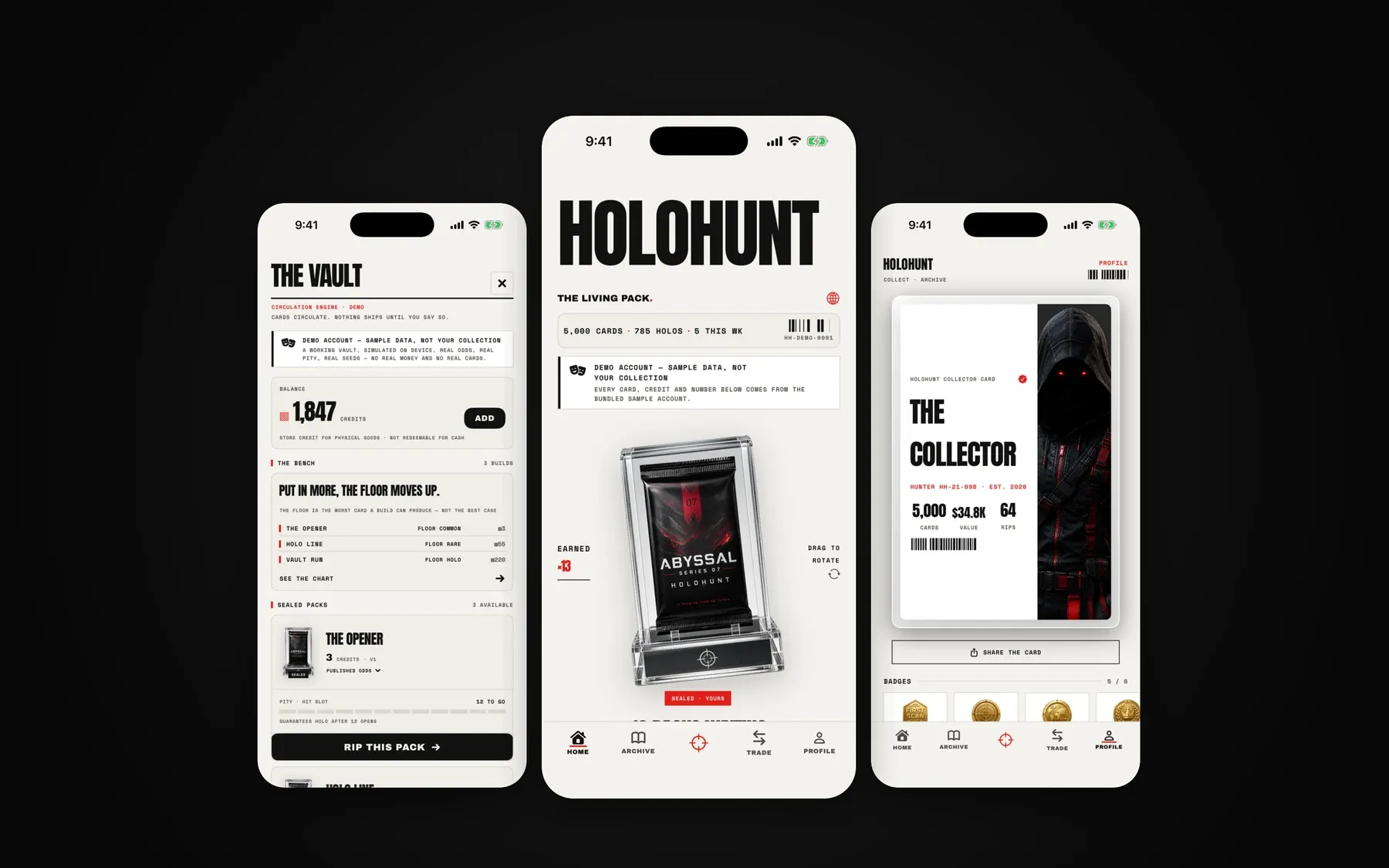
Roviq is a small product studio in Boston that ships its own native iOS apps through the same review you’re stuck in, and builds AI products for clients the rest of the time.
06 — Free tools
Check it yourself first.
Tool 01 · Runs in your browser
Rejection checker
Paste Apple’s Resolution Center message. It names the guideline, explains it in plain English and lists what to fix first.
Open the checkerTool 02 · Security
Leaked key scanner
Enter your app’s URL. We read the JavaScript your site ships and flag Stripe, OpenAI, Supabase service-role and other secret keys.
Scan your site07 — Questions
Before you ask.
How do I get my Lovable (or Bolt, Rork, Replit) app on the App Store?
How much does it cost to fix an App Store rejection?
Do you guarantee approval?
Do I have to stop using Lovable, Rork or Bolt?
Whose Apple account is the app in?
How long does App Review take?
What about Google Play?
Next step
Stuck in App Review? Send us the message.
Tell us what you built it with and paste Apple’s rejection. You get a plain-English diagnosis and a fixed price within one business day.