[ App Store rejection guide ]
Your app was rejected. Here’s what Apple means and how to fix it.
Every rejection names a guideline. Find yours below. Each guide covers what Apple’s wording means, why apps built with AI trip it, the fix, and what to write back.
| Guideline | What it means | The usual AI-builder cause |
|---|---|---|
| 4.3Design – Spam | Apple thinks your app is a duplicate: of your own app, or of a crowded category. | Template UIs, re-submitting under a new bundle ID, dating/wallpaper/timer clones. |
| 4.2Minimum Functionality | The app looks like a repackaged website, not an app. | Lovable or other web apps wrapped in Capacitor or a webview with nothing native. |
| 2.1App Completeness | The reviewer hit a crash, a dead backend, placeholder content or couldn’t sign in. | Missing production env vars, sleeping free-tier backends, no demo account. |
| 5.1.1Data Collection and Storage | Privacy policy, permissions, login walls or missing account deletion. | Auth scaffolds with no delete-account flow and generic permission strings. |
| 5.1.2Data Use and Sharing (incl. third-party AI) | You send user data to OpenAI, Anthropic or another service without saying so and asking first. | Chat and “AI coach” features that post user content straight to a model API. |
| 3.1.1In-App Purchase | You unlock digital features with Stripe or another payment method instead of IAP. | Web-app templates that wire Stripe Checkout for subscriptions. |
| 4.8Login Services | You offer Google (or another social) sign-in without a privacy-focused equivalent. | Supabase/Firebase auth templates with “Continue with Google” only. |
| 2.3Accurate Metadata | Screenshots, name, subtitle or description don’t match what the app does. | Mock-up screenshots, splash-screen screenshots, keyword-stuffed names. |
| 1.5Developer Information | The support URL is broken, empty or has no way to contact you. | Support URL pointing at a preview link or a site with no contact method. |
How to read a rejection
Rejections arrive in App Store Connect → your app → App Review (the Resolution Center). Each issue starts with a line like Guideline 4.3(a) - Design - Spam: the number is the section of Apple’s App Review Guidelines, the words after it are the category. Below that, the reviewer describes what they saw and often attaches screenshots or a crash log.
A few things to check before you change anything:
- Is it one issue or several? Reviewers often list more than one guideline. Fix all of them in one resubmission, or you’ll go round again.
- Is it the binary or the metadata? Screenshot, name, support URL and some privacy issues can be fixed in App Store Connect without a new build.
- Is it “Information Needed”? That’s a question, not a rejection. Answer it precisely and you often don’t need to resubmit.
- Read the attachments. Device, iOS version and crash logs tell you exactly what the reviewer hit.
How to reply to App Review
Reply in the Resolution Center thread, not by email. Keep it short and specific: what you changed, where the reviewer can see it, and a demo account if the app has a login. Reviewers read a lot of these, so a clear list beats a long explanation. A screen recording helps when the fix isn’t visible from the first screen.
Hello App Review,

We have addressed Guideline [X.X] in build [version (build)]:

1. [Change] — [where to see it]
2. [Change] — [where to see it]

Demo account: [email] / [password]
When to appeal
If you believe the reviewer misunderstood your app, you can submit an appeal to the App Review Board from the rejection in App Store Connect. Appeal after you’ve replied with a clear explanation, and only when the app really does meet the guideline. Appealing a real problem just adds days.
Why AI-built apps get rejected more
AI builders are very good at producing an app that works in a preview. App Review checks things no preview shows: whether the production build has the right configuration, whether it behaves like an app or a website, whether you disclosed what you send to AI providers, whether people can delete their account, whether payments go through Apple. Almost every rejection we see is one of the nine above.
Shipped through App Review
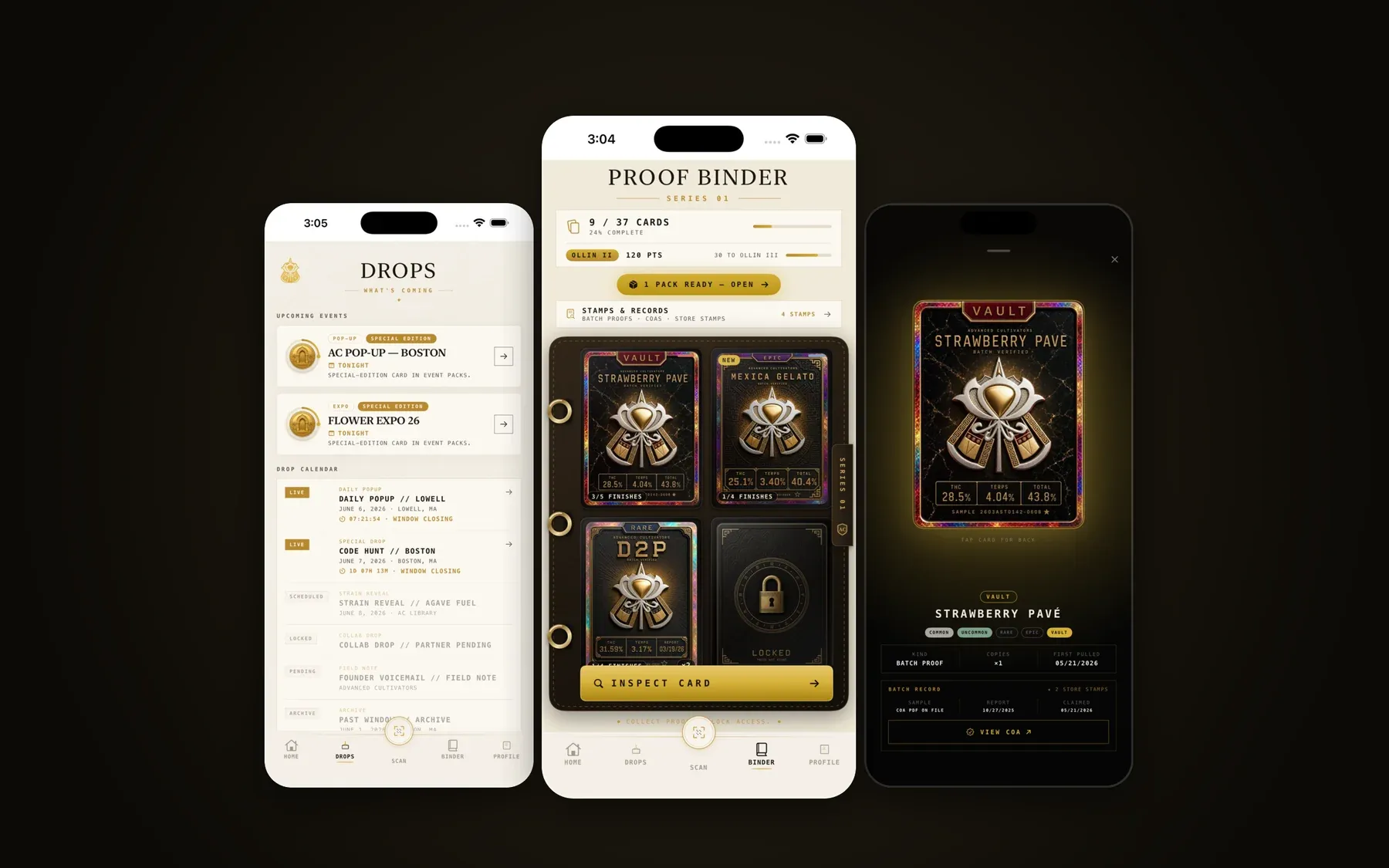
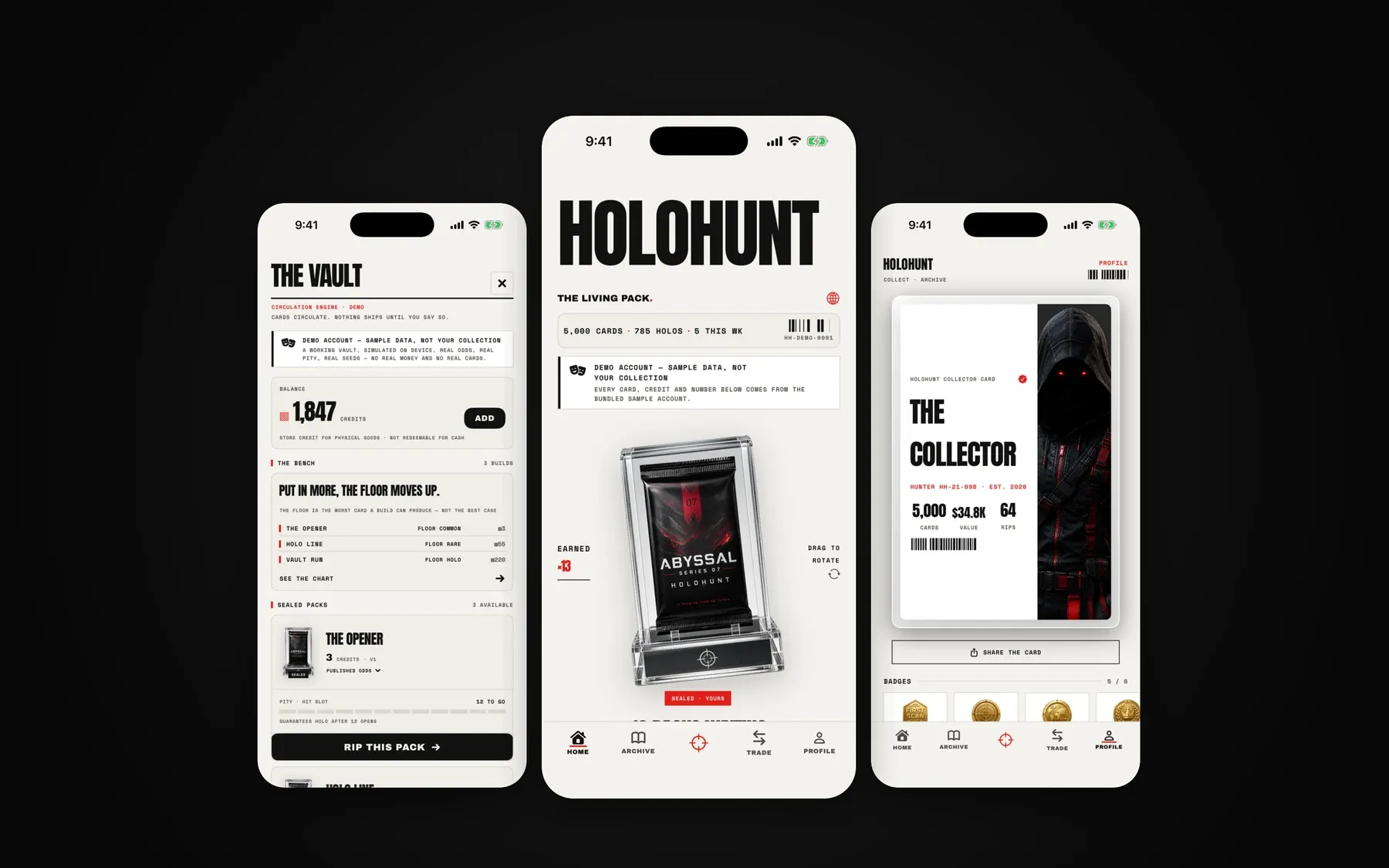
Our own apps go through the same review yours does.
We ship native iOS apps under our own names and for clients, which is why we know where AI-built apps get stuck.
Next step
Stuck in App Review? Send us the message.
Tell us what you built it with and paste Apple’s rejection. You get a plain-English diagnosis and a fixed price within one business day.