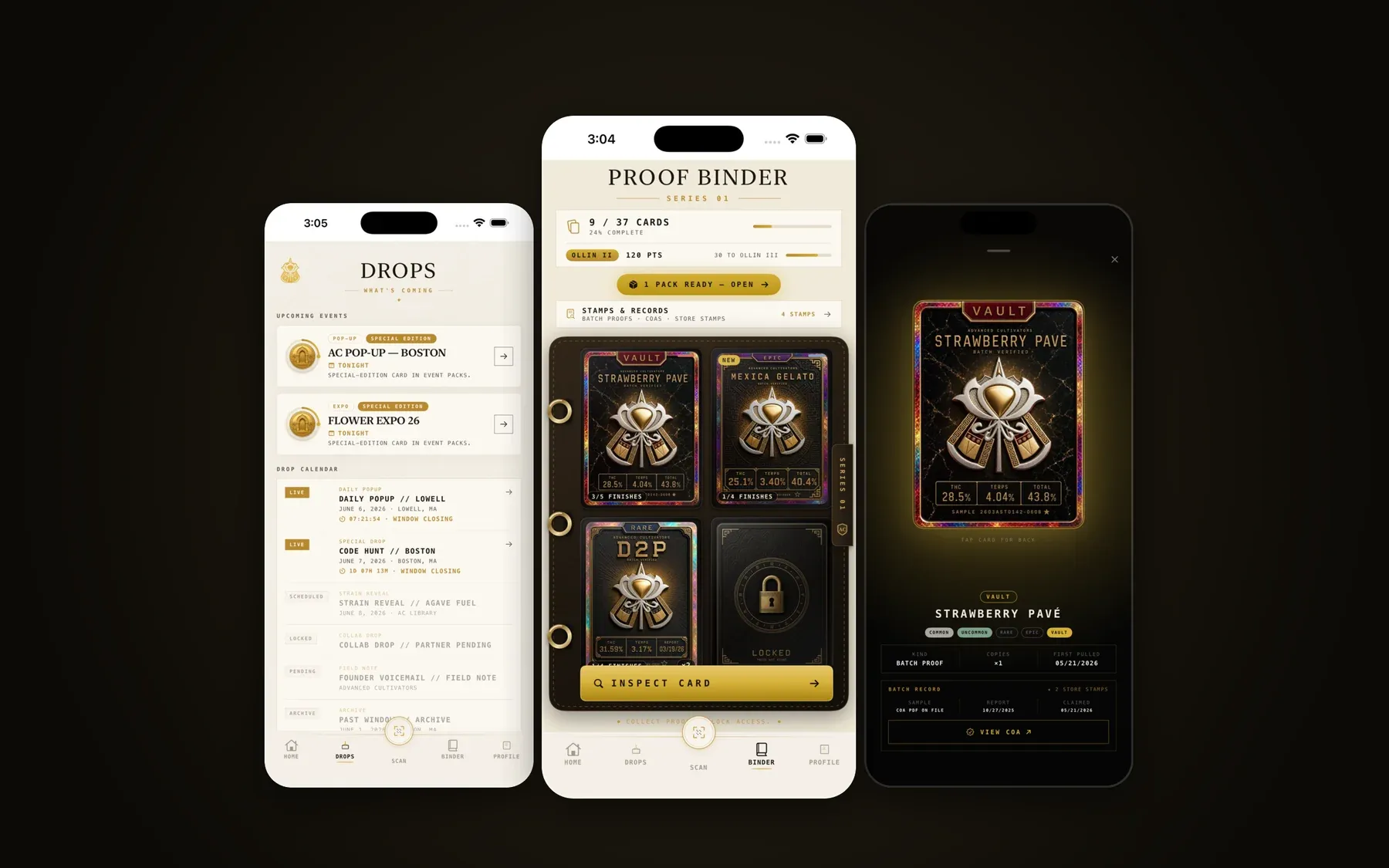
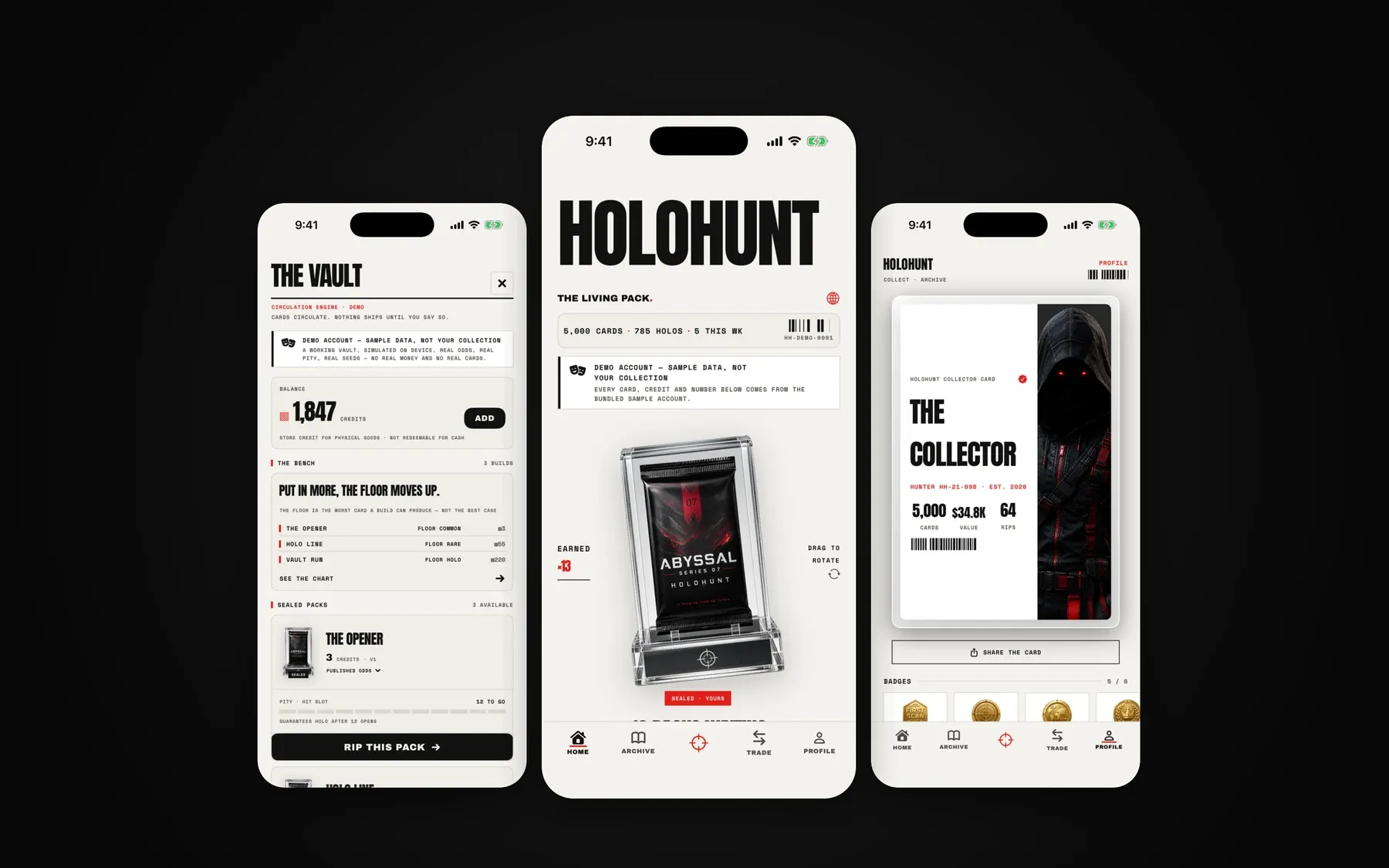
What the rejection says
Guideline 4.2 – Design – Minimum Functionality
We found that the usefulness of your app is limited because it does not sufficiently differ from a mobile browsing experience.
Variants mention a “repackaged website”, “web clippings” or say the app is “primarily marketing materials” or “a collection of links”.
What Apple actually means
The guideline opens with: “Your app should include features, content, and UI that elevate it beyond a repackaged website. If your app is not particularly useful, unique, or ‘app-like,’ it doesn’t belong on the App Store.”
Sub-rule 4.2.2 adds: “Other than catalogs, apps shouldn’t primarily be marketing materials, advertisements, web clippings, content aggregators, or a collection of links.”
The reviewer is asking one question: would this be any worse in Safari? If the answer is no, it’s a 4.2.
Why AI-built apps hit it so often
- Lovable only publishes to the web. The usual path to iOS is wrapping that web app with Capacitor or a service like Median. A plain wrap with no changes looks exactly like the website, because it is.
- Remote URL loading. Many wrappers just point a WebView at the live site. The app has no content of its own and shows a blank screen offline.
- Web UI patterns on a phone. Hamburger menus, hover states, cookie banners, a site header and footer inside the app, links that open more web pages.
- No reason to reopen it. Nothing the app does needs to be an app.
How to fix it
Work through these in order and stop once the app clearly feels like an iPhone app.
- Bundle the app, don’t point at a URL. Ship the built assets inside the binary. Handle no-connection states with a real screen, not a browser error.
- Use native navigation. A tab bar for the main sections, native back gestures, no website header or footer, no hamburger menu for primary navigation.
- Remove web leftovers. Cookie banners, “download our app” prompts, links to your marketing site, desktop layouts.
- Add features that fit what the app is for. Push notifications tied to something the user cares about, offline access to their data, a home-screen widget, camera capture, share-sheet support, Sign in with Apple, haptics on key actions.
- Rebuild the core screens natively if needed. The screens people use every session are the ones reviewers judge. Rebuilding those in SwiftUI or React Native and keeping secondary pages in a webview is a common middle ground.
- Show it in the review notes. Tell the reviewer where the app-only features are.
What to write back to App Review
Hello App Review,

We have updated the app so it provides functionality beyond a mobile
browsing experience:

- Offline access: [what works offline and where]
- Push notifications: [what triggers them and why the user wants them]
- Native [widget / camera / HealthKit / share extension]: [where to find it]
- Native navigation and screens for [core flows]

Please use the demo account below to see the full experience.
Demo account: [email] / [password]
When a wrapper isn’t enough
If the app’s whole value is content that already lives on a website, such as a blog, a brochure site or a link hub, adding features won’t change the verdict. The honest options are a PWA (“Add to Home Screen”) instead of an App Store listing, or rethinking what the app does for someone who has installed it.
How we handle a 4.2
We open the build, list what reads as “website”, and decide per screen: fix the wrapper, go native, or cut it. Then we add the native features that make sense for your app, rewrite the review notes and resubmit. If the core screens need a native rebuild, that is scoped as a Rescue and quoted before we start. See also Lovable → App Store.
Questions
Are Capacitor or Median apps automatically rejected?
My app loads my live website URL in a WebView. Is that the problem?
What native features actually help?
Should I just rebuild natively?
Last reviewed 2026-09-23. Guideline quotes are from Apple’s App Review Guidelines; Apple can change them at any time.