[ Publish to the App Store ]
From AI builder to App Store, tool by tool.
Every builder handles iOS differently. Find yours for the exact path, what’s left for you to do, and the rejection it’s most likely to hit.
| Builder | What it makes | Path to the App Store | Most likely rejection |
|---|---|---|---|
| Lovable → App Store | Web app (React + Supabase) | Wrap with Capacitor/Median, or rebuild core screens natively | 4.2 repackaged website |
| Rork → App Store | Expo / React Native | Built-in Publish via EAS; you finish the listing and review | 4.3 template apps, 5.1.2 AI disclosure |
| Bolt → App Store | Expo code or web app | Export → EAS build/submit or Expo Launch | 2.1 works in Expo Go, crashes standalone |
| Replit → App Store | Expo / React Native | Publishing wizard (Expo Launch) signs and uploads | 2.1 sleeping backend |
| FlutterFlow → App Store | Flutter | One-click deploy to App Store Connect | 2.1 crash on launch (Firebase config) |
What every builder leaves to you
- An Apple Developer Program membership ($99/year), in your name or your company’s. Companies need a D-U-N-S number to enroll.
- The App Store Connect listing: name, subtitle, screenshots of the real app, description, keywords, support URL, age rating.
- App Privacy answers that match what the code actually collects and sends, including to AI providers.
- Review information: a demo account that works first time, and notes for the reviewer.
- Policy work the templates skip: in-app account deletion, Sign in with Apple next to Google, IAP for digital purchases, AI data consent.
Shipped through App Review
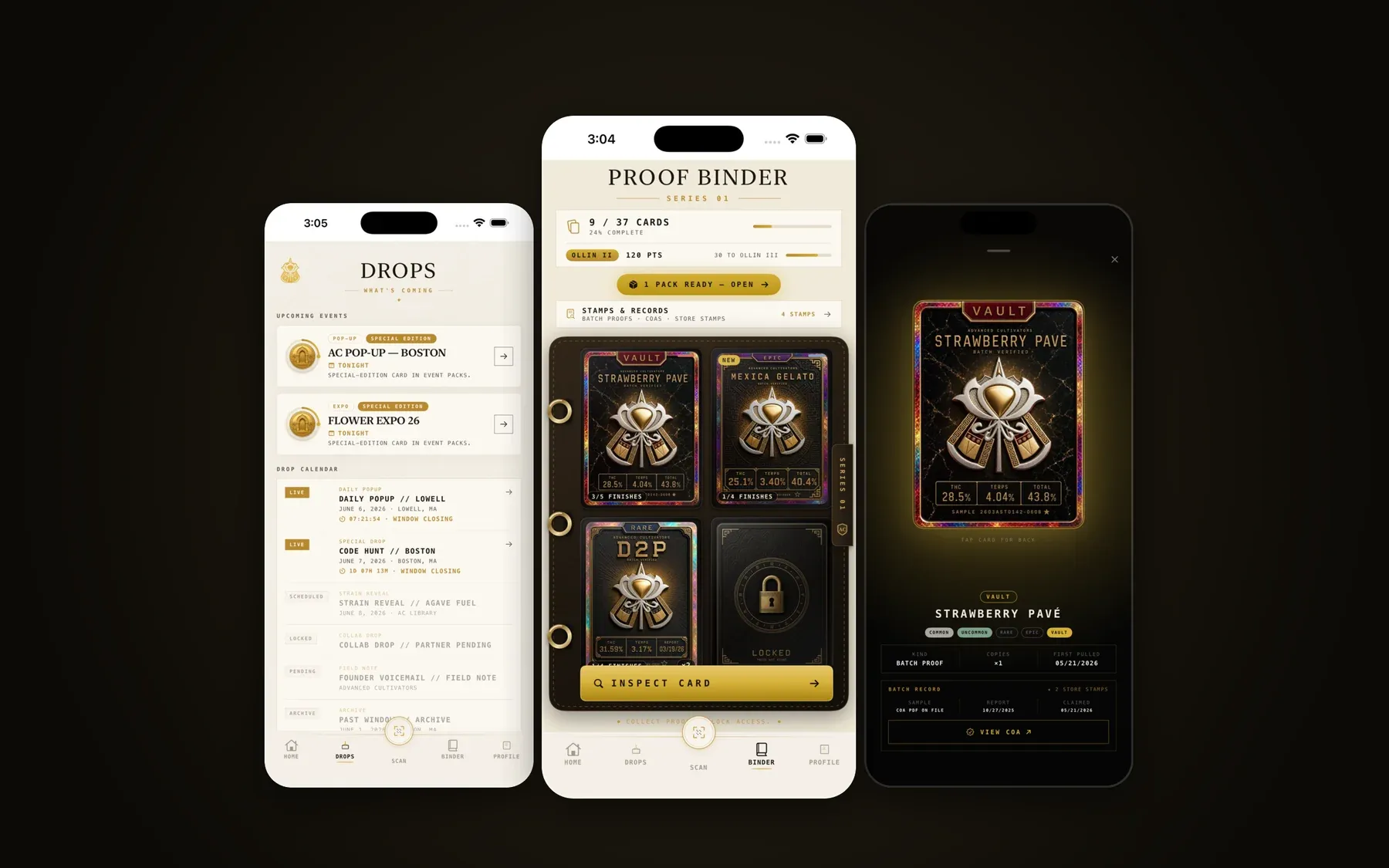
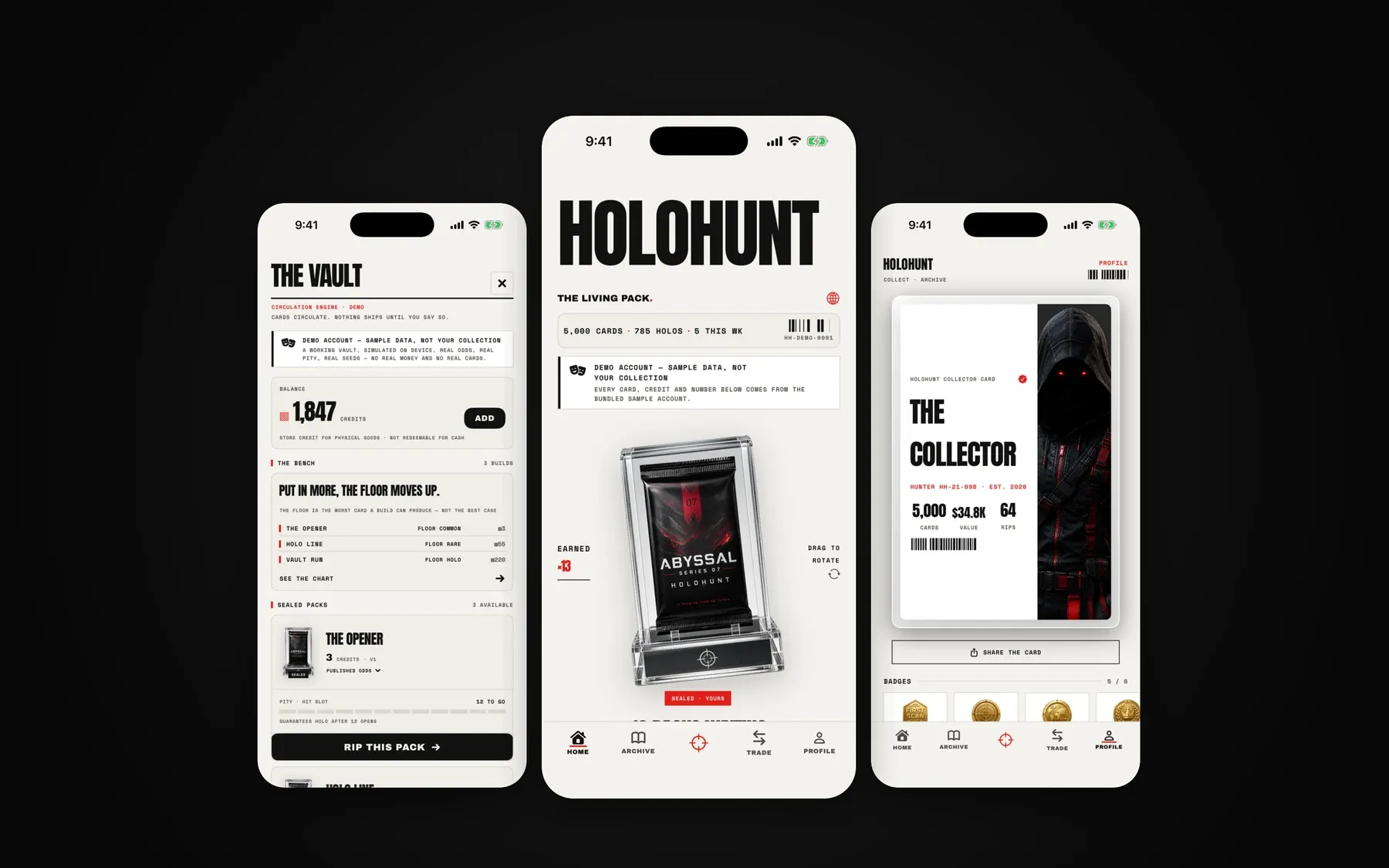
Our own apps go through the same review yours does.
We ship native iOS apps under our own names and for clients, which is why we know where AI-built apps get stuck.
Next step
Want it done for you?
Our App Store Launch takes any of these from repo to approved listing for one flat fee, including first-round rejections.